
How to Review a Music Video: Pin Feedback to the Exact Moment and Spot
Table of Contents
Music videos have a feedback problem: the notes are about when and where. “The snare lands late” is useful. “The snare lands late on the drummer’s hand at 1:12” is better. Email threads can’t do that, but a review workflow built around the video can. The same approach works for trailers, visualizers, and scoring to picture.
Step 1: Start the review from the video
Drop your video file (mp4, mov, and so on) into the new media review interface and click Start Review. There is no project setup to get through first.
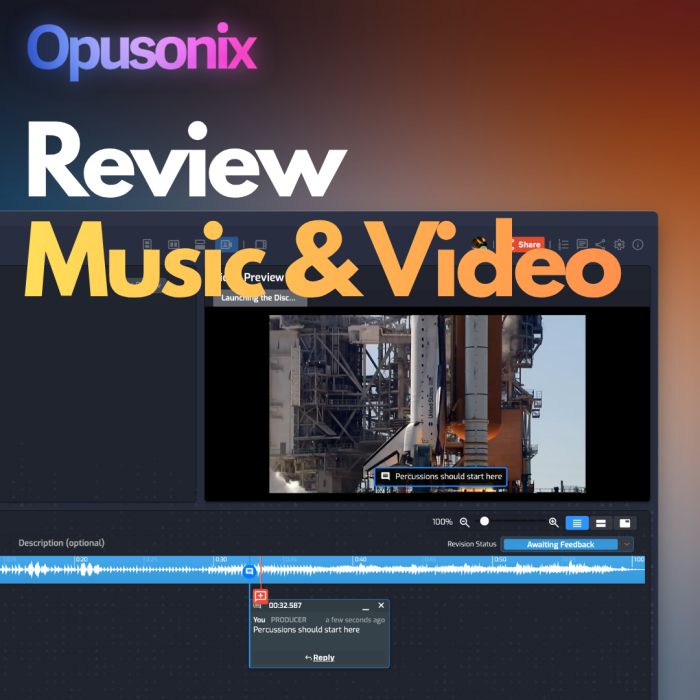
Step 2: Pin feedback to the exact moment and spot
Double-click anywhere on the video. Playback pauses, and you can type your comment right there. It’s pinned to that moment in the timeline and that spot in the frame. Use this for lyric text placement, a visual cue that should hit with a drum fill, or a logo that lingers too long.
Step 3: A/B test audio against picture
Import multiple audio tracks (mix versions, an alternate master) into the same project and switch between them against the cut. It works in reverse too: import several edits of the video and compare them against a single track.
Step 4: Label roles as you add collaborators
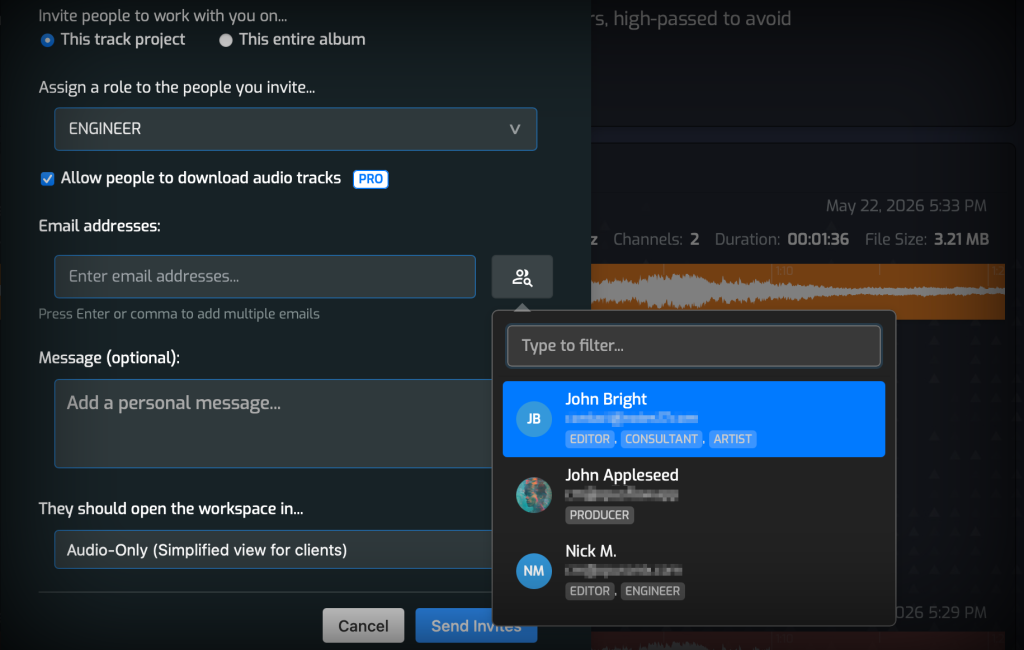
Video-based projects tend to involve more people: the artist, director, editor, mix engineer, and composer. Have each person label themselves with their role so the collaborator list stays readable as it grows.
Step 5: Keep the supporting material together
The built-in notes pod, to-do list, and additional files (lyric sheets, cue notes, reference material) sit alongside the video, so nothing lives in a separate thread.
A few tips
- Comment as you watch. Pausing and pinning captures feedback while it’s fresh, which beats a long summary afterward.
- Be specific about position. A pin on the exact element removes the “which thing do you mean?” round trip.
- Compare before you decide. When a new audio option is uploaded, A/B it against the current one rather than relying on memory.
Music and picture have to work together, and your review process should let you judge them together.