Opusonix

The Professional Workspace for Your Audio

Request files, send mixes, manage revisions, collect feedback, collaborate with clients, and move projects from review to approval—all in one place.

Everything Around the Audio, in One Place

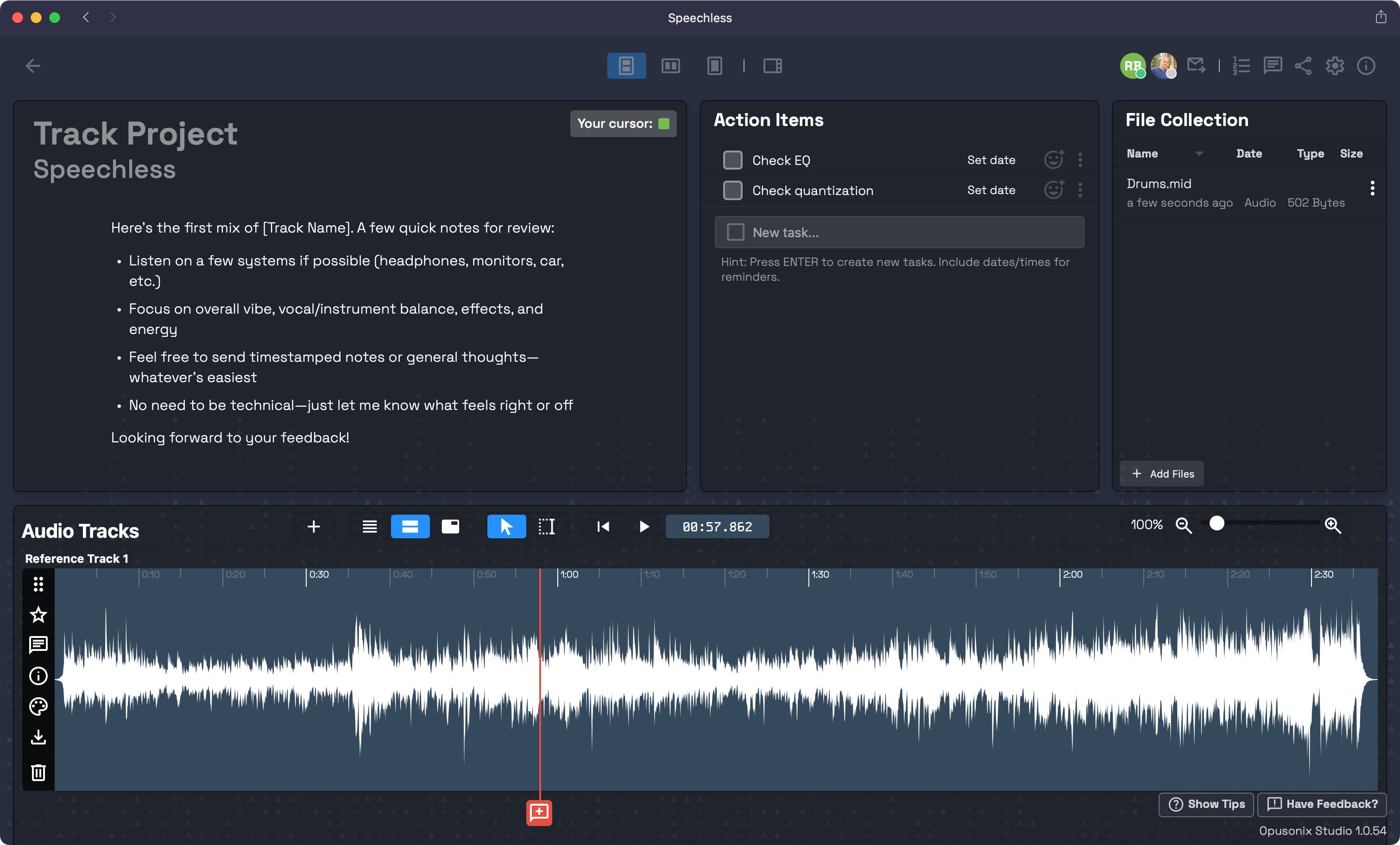
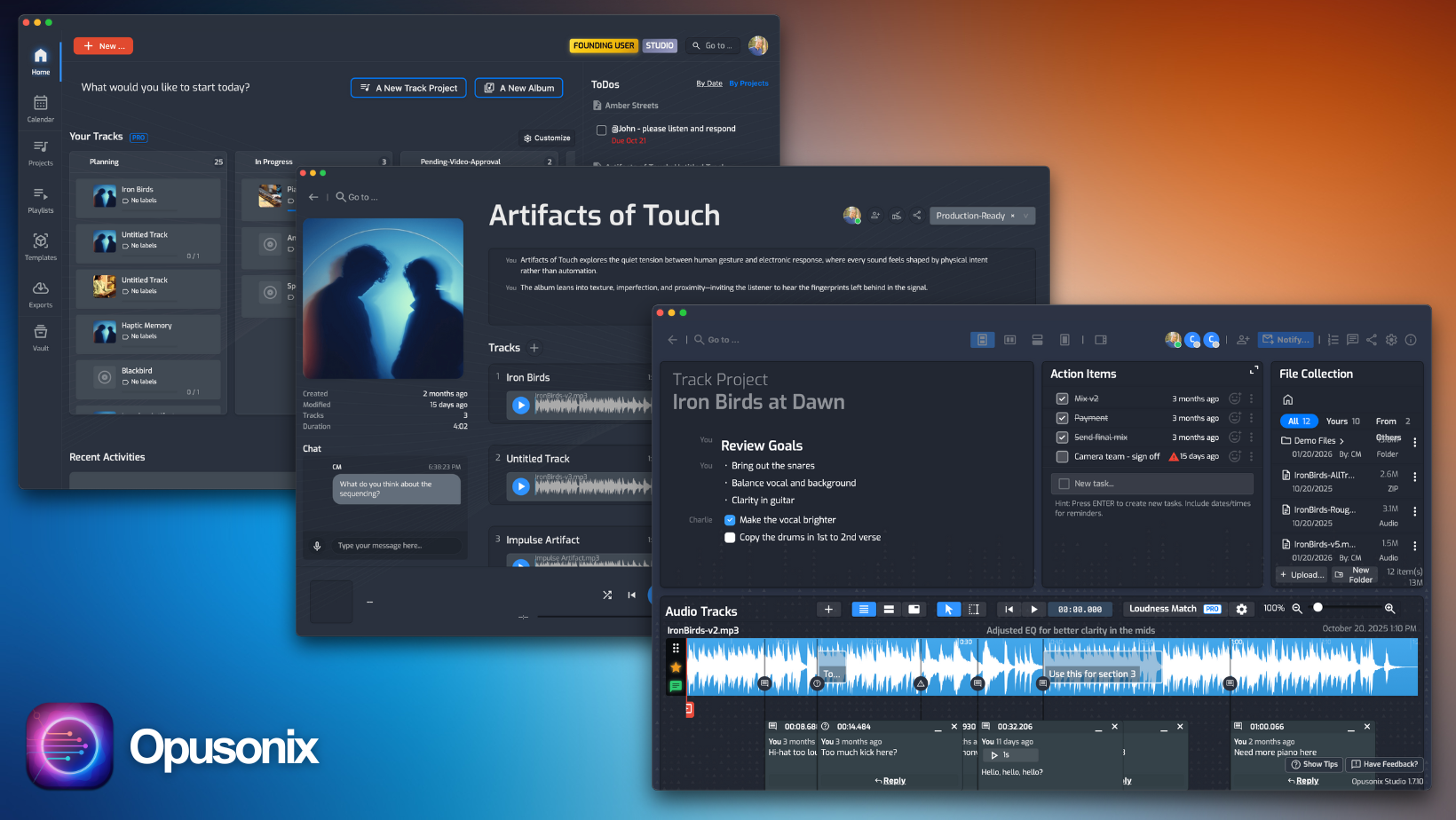
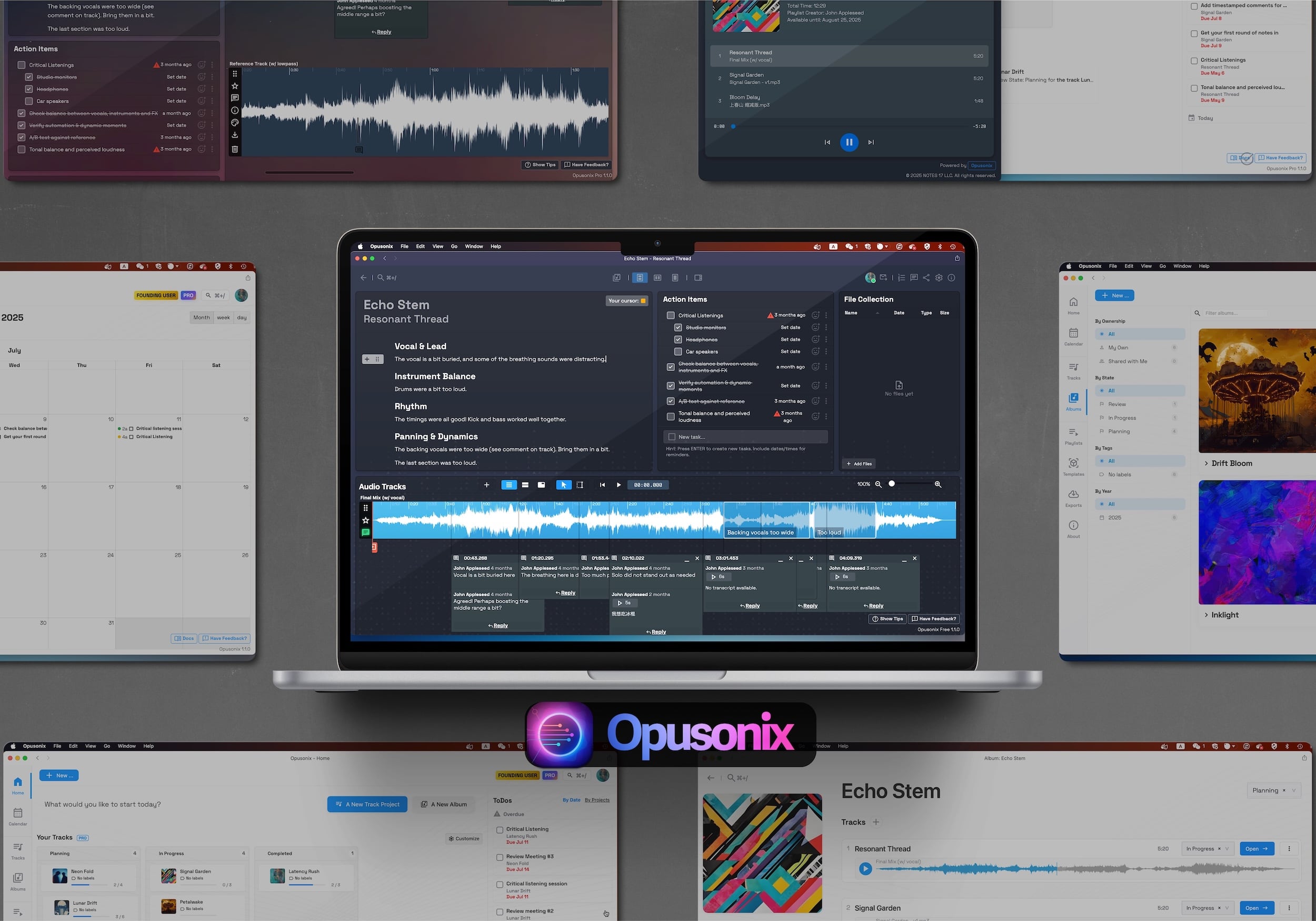
This is what YOU see in Opusonix. Project notes, remaining action items, file assets, and of course, the mix revisions and the discussions right on the timeline.

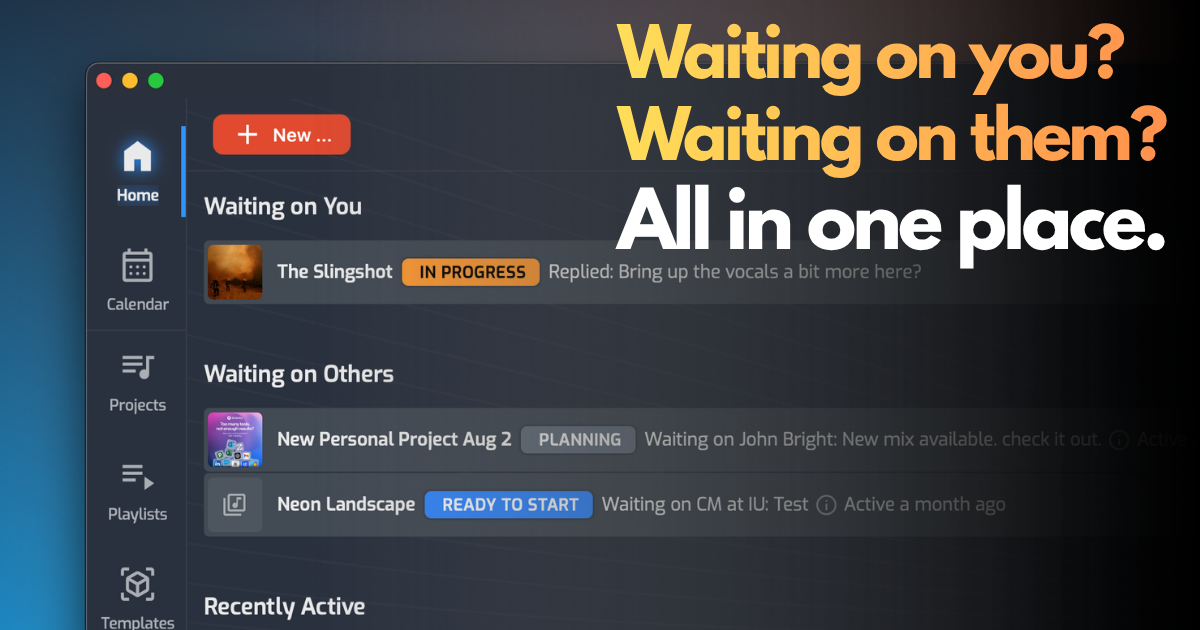
When everything is neatly organized in one place, you can see everything, know exactly what state the project is in, and act swiftly and decisively.

Best of all? When everything is centralized, you can move faster and handle those rush projects with ease.

Give Clients an Easy Way to Participate

Give clients a dedicated place to participate in the project from sending you files, the first listen, to final delivery. No app to download, no setup, and no sign-up process (no worries – the workspace is protected for authorized access only). Learn More >

They can listen to mixes, leave timestamped comments, compare versions, review revisions, and stay connected as the project moves through each phase. When the work is ready, approval and delivery are part of the same experience.

Get Feedback Where It Belongs

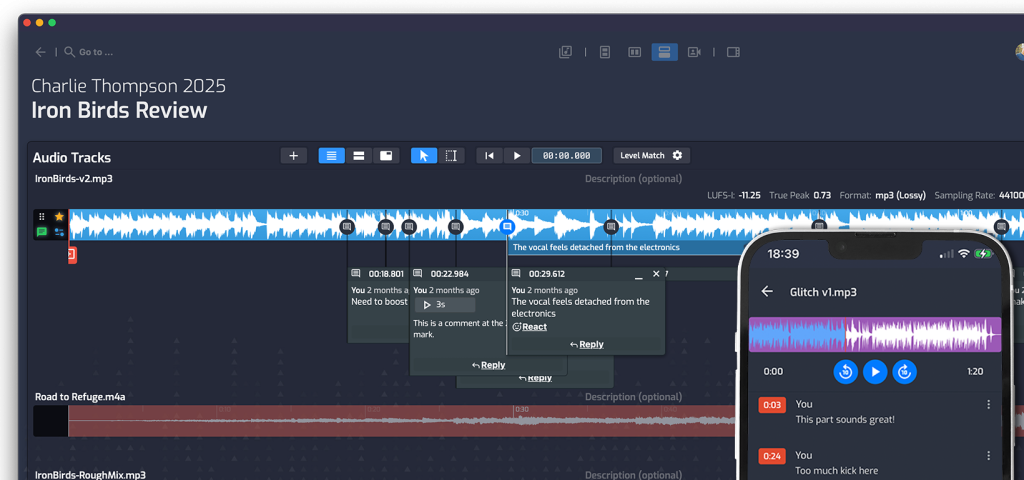
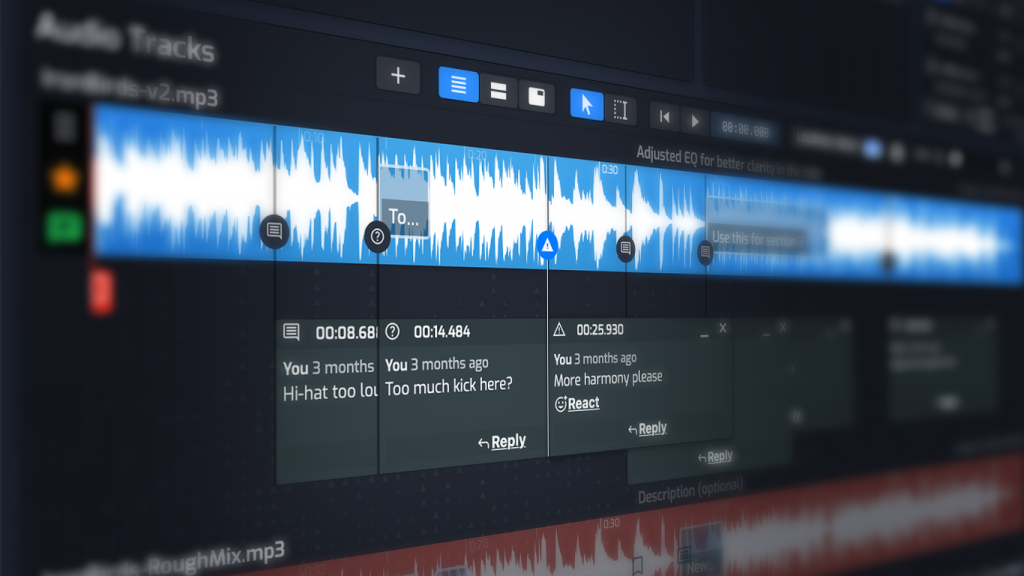
Feedback is more useful when it’s connected to the music. Add notes directly to the audio at the exact moment they matter, making it easy to understand what needs to change—and just as easy to remember what was already decided.

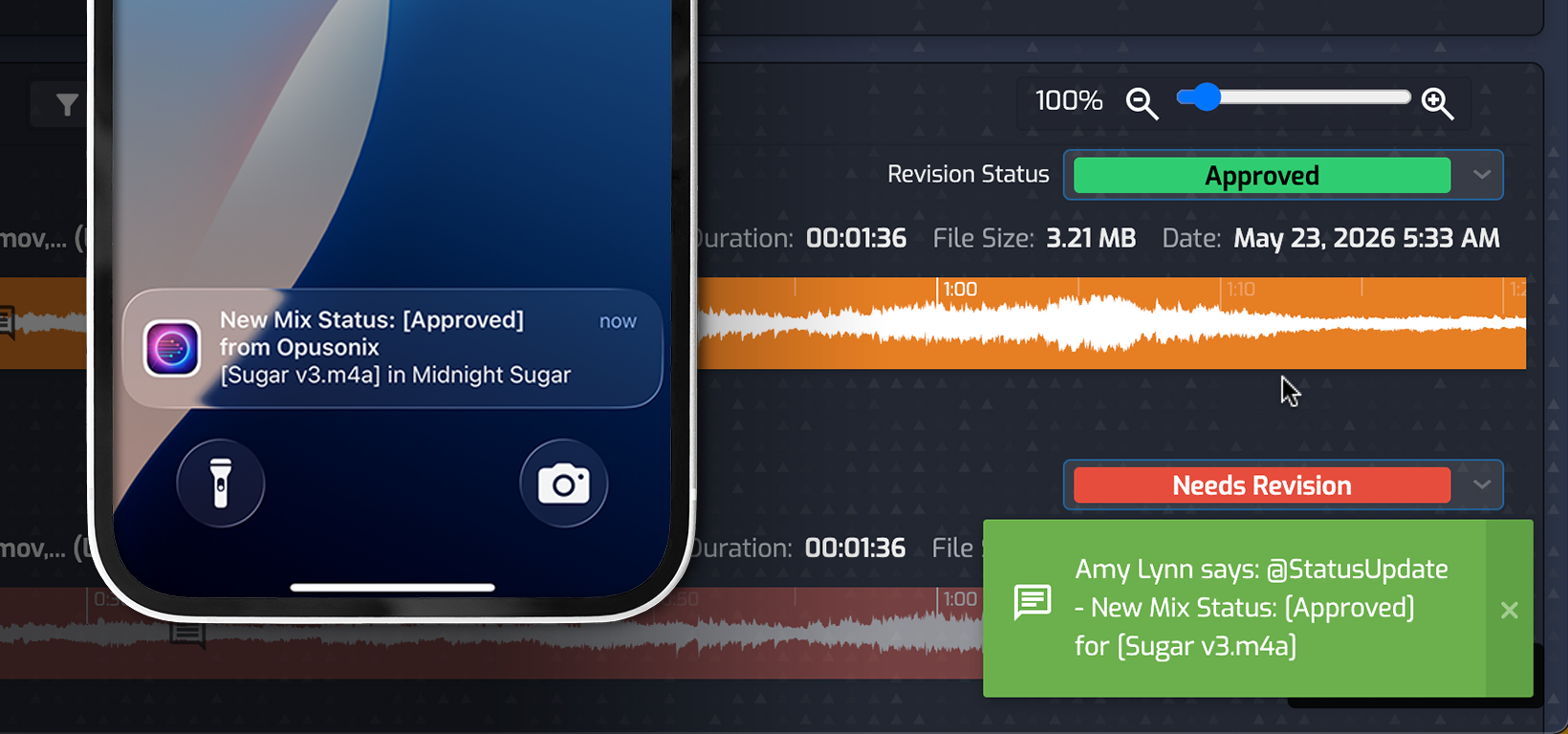
Never miss a beat: You get automated notifications when they make comments or changes.

Bring Forth Your Best Works

Your sound is part of your reputation. So is the way you work with clients. As your projects and client relationships grow, Opusonix gives you a professional workspace for managing the work around your audio—so the experience you create matches the quality of what you deliver.

A Professional Hub for Your Studio

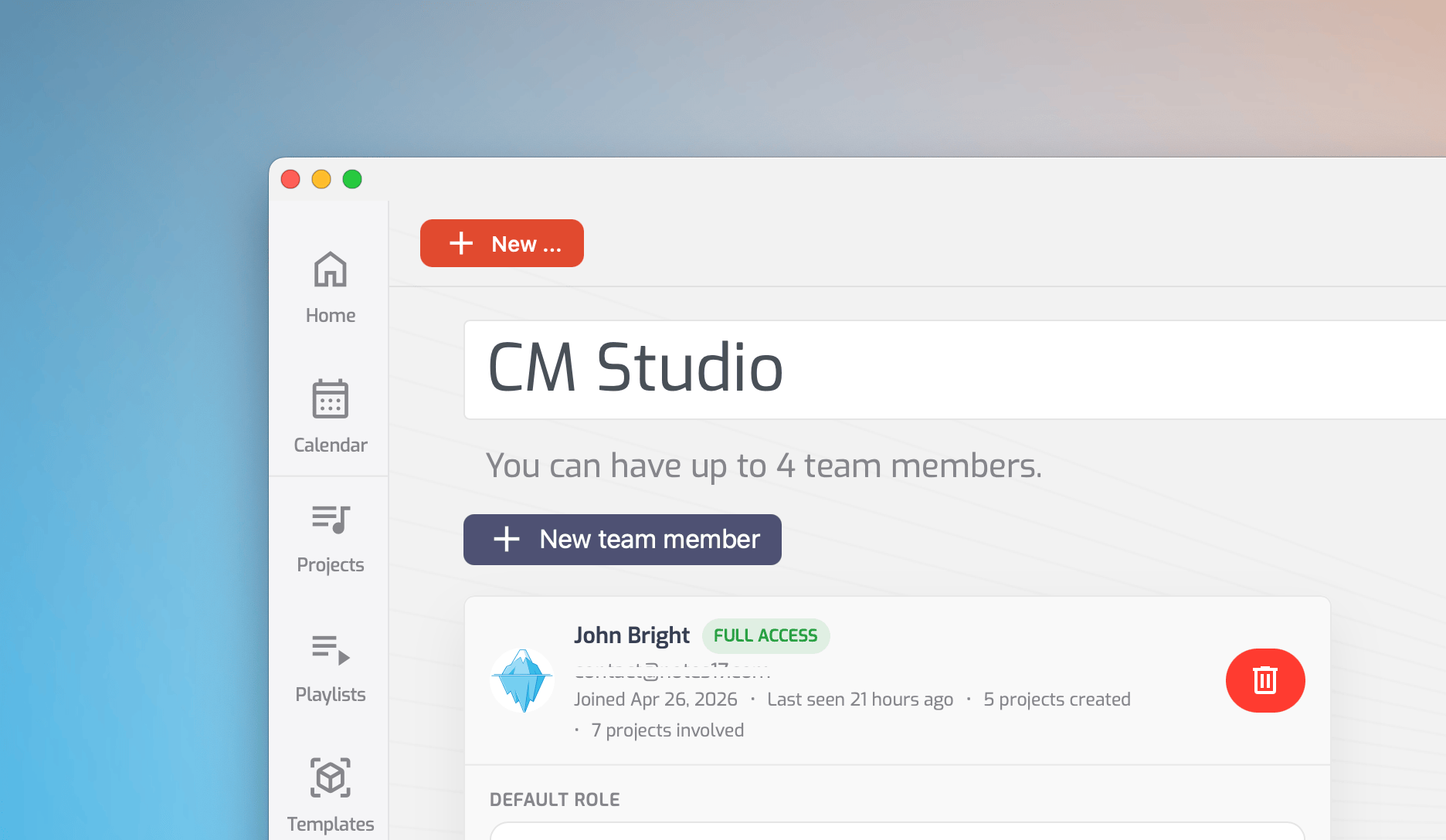
Work with your teammates in a shared production workspace and a single studio identity:

  • One shared project pool
  • Shared calendar
  • Shared kanban board
  • Built-in studio branding on albums and projects
  • And more!

See Opusonix in Action

"You can also leave both text or recorded audio comments at whatever timestamp you want on the tracks timeline. That is always a super useful feature [...] I find this so much more helpful than someone’s abstract explanation of where a problem is in a song."
Drew Vandenberg
Editor, the TapeOp Magazine
"Best all-around producer feedback platform for structured project workflow". "If you are working with clients regularly, handling multiple revisions, or managing several music projects at once, [Opusonix] is the most complete option".
Music Feedback Pro
"Opusonix significantly reduces the need for third-party cloud storage and cuts down on email communication. (...) On-track conversations keep feedback precise, and export tools make final delivery straightforward and professional.”
Tomislav
Bedroom Producers Blog
"As your client leaves comments, you can quickly turn them into to-do tasks and add them to a list, to stay on top of what needs to be done on that project. (...) For the price point, nothing really competes with Opusonix Pro."
Tomislav
Bedroom Producers Blog
"Opusonix has revolutionized my workflow with clients.  It’s so much easier to share files, compare mixes, and get feedback from a band.  Opusonix gives me all the tools I need to keep my projects moving.”
Matt Vice
Producer, Owner of Naptown Sounds, LLC.
"Opusonix allows clients to drop accurate comments to the second, upload references, and flip feedback into tidy-to-dos, making revisions crystal-clear and super fast. It’s a must have tool in the kit for any sound designer who’s sick of back and forth emails!"
Chris Kubacki
Audio Producer & Sound Designer

Opusonix is designed to...

Manage Mix Projects

Offer a client self-serve request portal, send file requests, confusion-free client experience, and clean approval handoff. All the things you can't do with emails, full stop.

Handle Mix Revisions with Clarity

The centralized project workspace functions as an external memory that provides a better work experience to you and your clients.

Collect Files Faster from Clients

Kickoff your projects faster with File Requests and the streamlined Project Planner

Be Your Own Creative Catalog

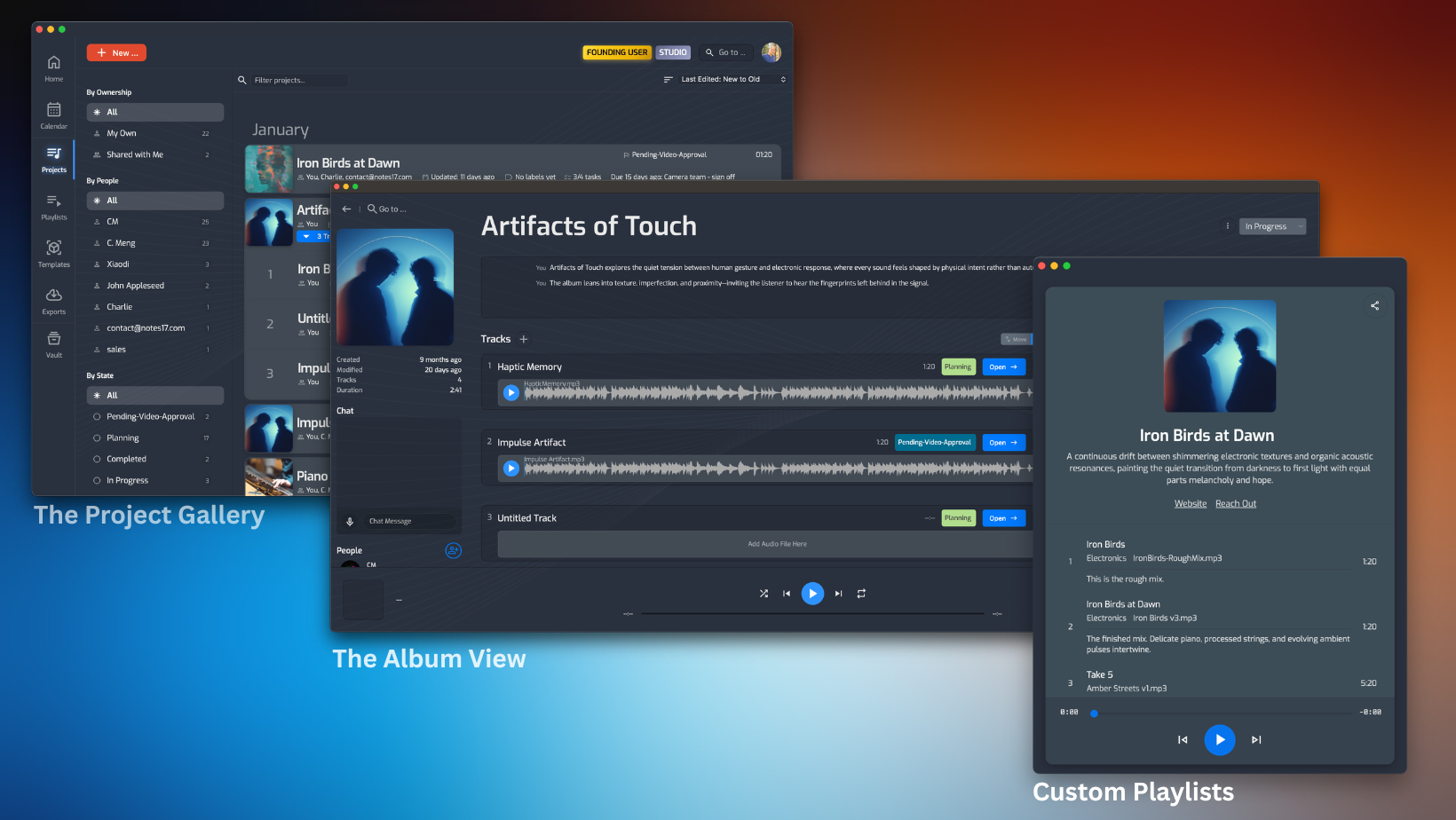
Make your own music catalog so you can easily browse, listen and showcase your works in a professional and visually stunning way.

Send Your Next Mix Through Opusonix

You don't have to change everything at once. Start with your next project and give yourself and your client a better place to work around the audio.

How to Review a Music Video: Pin Feedback to the Exact Moment and Spot

Learn how to review a music video: pin feedback to the exact moment and spot, A/B audio against picture, and keep every collaborator's notes organized. …

Read More

The Client Experience Is Part of Your Audio Workflow

Create a more professional experience for audio clients with better workflows for mixing, mastering, file delivery, project review, communication, and client collaboration. …

Read More

FAQs

How is Opusonix different from Dropbox, Google Drive, or project-management software?

Those tools can store files or manage tasks. Opusonix is built specifically around audio work, so mixes, versions, waveforms, timestamps, feedback, revisions, approvals, and delivery are part of the same workspace.


How easy is it to send a mix to a client?

Very easy. If you already have a mix, you can send it out to a client with just a few clicks. Opusonix will not only share the mix with your client, it will also set up the track workspace so you can easily collaborate (exchange feedback, final delivery, etc) in one place. Learn more.


How easy is it for my clients to jump onboard?

It’s very easy. Each of your client will have their own account, but this process is done behind the scenes so there will be no account setup for your clients. Instead, their experience is that they click on the link of your invitation email, and they are in. While this process is super quick, you all are still protected with user accounts, so only authorized users will have access to your projects. Learn more about client experience here.


Can I request files from clients?

Yes. Your file requests will get to your client as an email that shows clearly who you are, what project you’re referring to, and a single link for them to click on and upload files. Your clients can click on the link, drop in the files, and supply notes (optional) all in one shot, no sign-in or sign-up needed. When they’re done, the files and their notes will just show up in your track workspace, and you’ll get notified via email when this happens. 


Can I compare multiple mix revisions?

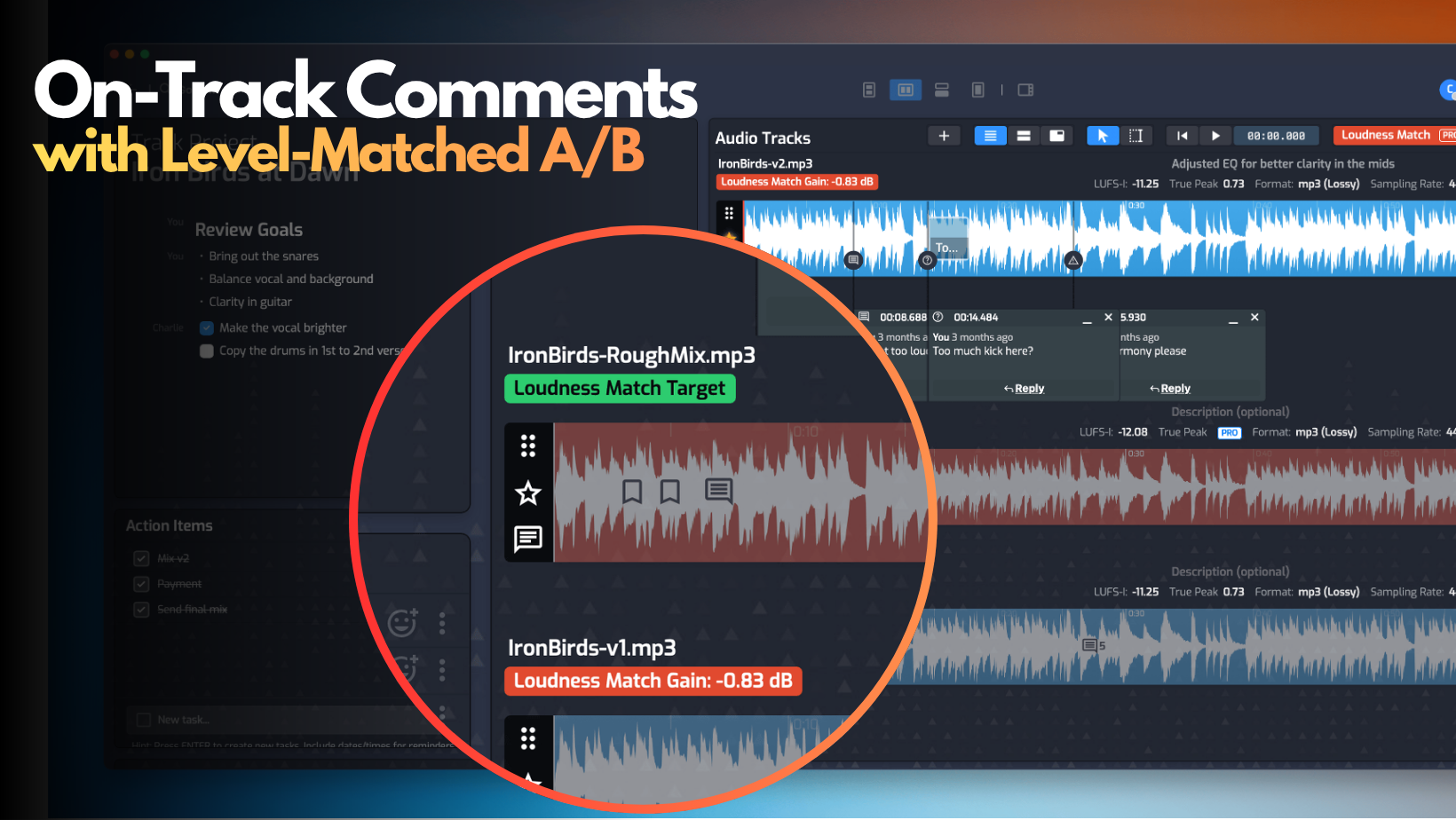
Yes. Opusonix includes built-in level-matched A/B comparison tools that make it easy to evaluate revisions and track project progress. You and your clients can easily leverage this capability to A/B across mix revisions.


Can I do final deliveries with Opusonix?

Yes. When a project is done, you can generate a project export package that includes just the things you want, delivered to your client via email. Alternatively you can also transfer ownership of the project to your client so they can also get the complete version history and context.


I need to handle a lot of projects at the same time. Can Opusonix help?

Yes. Opusonix includes project organization tools such as customizable Kanban boards for your track projects, task tracking, and a unified calendar view across projects. So you can create your custom project pipeline and monitor deadlines across projects with ease.


Do I have to change the way I work?

No. Opusonix works alongside your DAW and tools. You can start by requesting files from your clients, or sending your next mix through Opusonix.


Is Opusonix suitable for independent producers?

Absolutely. If you mainly work with individual clients, sending mixes out to your clients and getting the mixes done are nice and easy. But if you work with several people at a time, Opusonix’s value is even more apparent: all relevant people can be in the same track workspace and collaborate. This drastically reduces the back-and-forth and keeps everyone in sync with minimal effort.