The A/B Test Your Client Can Finally Run Themselves
Table of Contents
Level-matched comparison isn’t new. Letting your client use it is.
Level-matched A/B isn’t new to most engineers. You’ve probably got a plugin for it, or you ride gain by hand. It works, but it’s a hassle every tim.
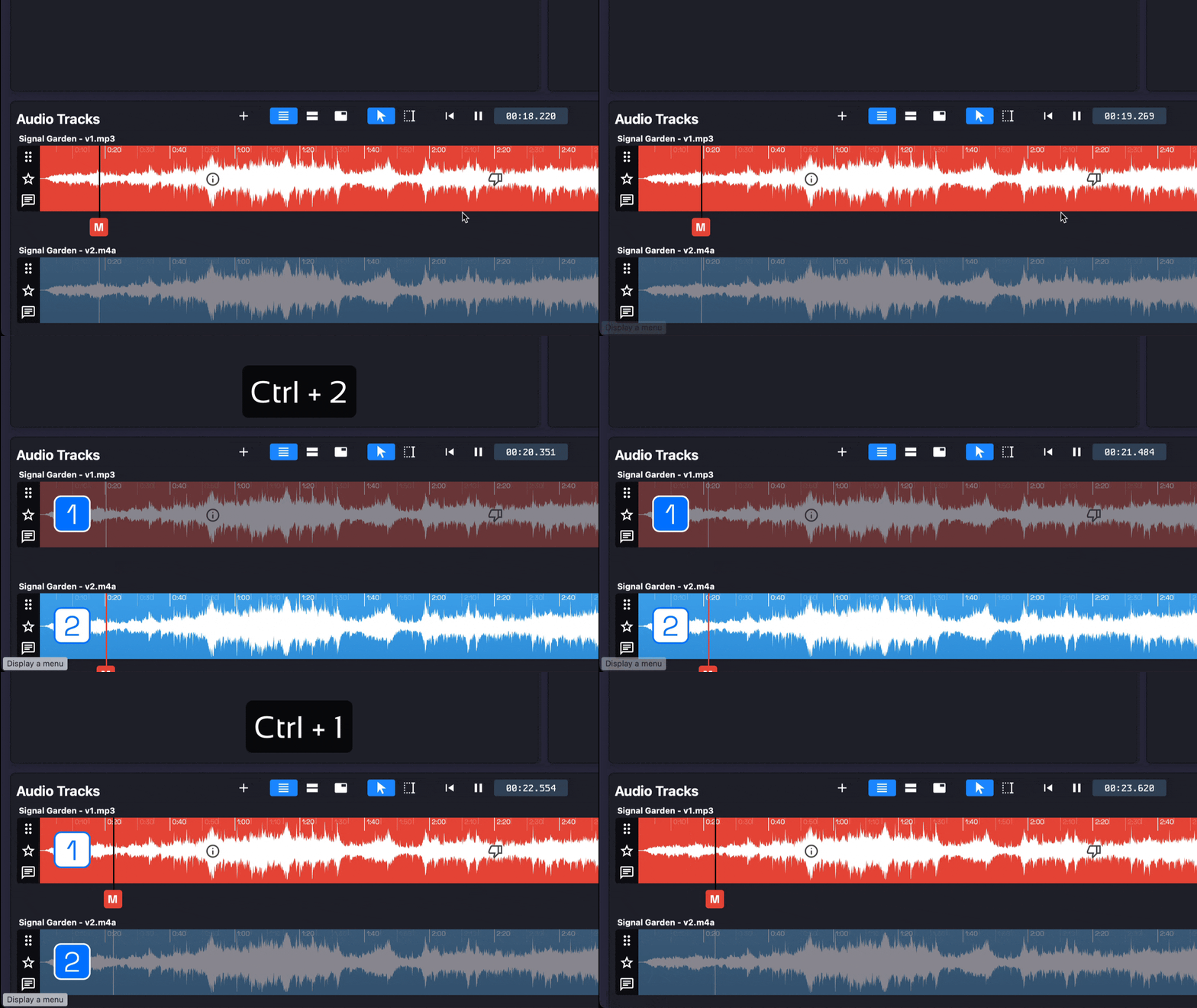
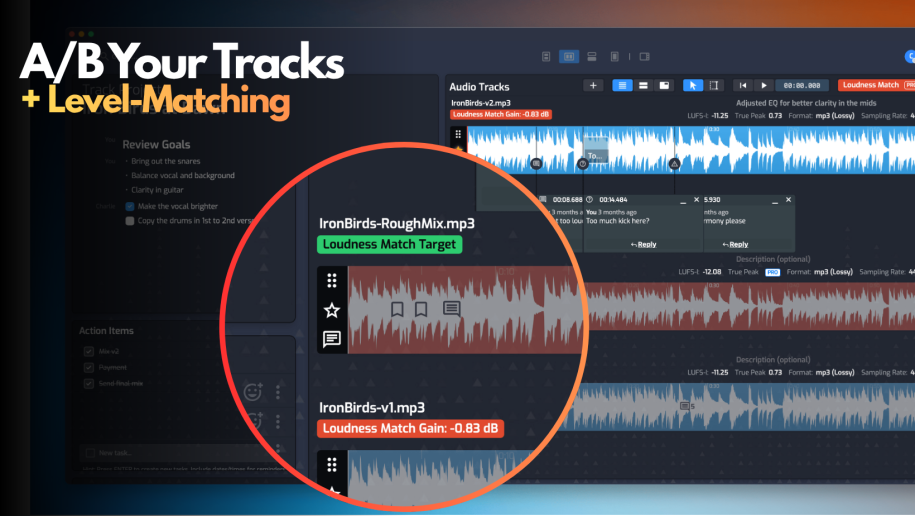
Opusonix does that step for you — drop in a reference or just compare to a previous revision. Simply turn on the level match mode, and toggle between the mixes during playback. This is a useful feature as it shaves some time off of your workflow. But the real change is what happens once your client has it too.
Clients never had a fair comparison
Without a tool built for this, a client comparing their mix to a reference does it unfairly: two tabs, switching back and forth. The reference is louder, and louder just sounds better, reliably, regardless of the actual mix. That’s not taste — it’s why every serious listening test matches levels before judging anything.
So the note that comes back — “make it hit harder,” “more like this” — is often about volume, not the mix. You either push back or accommodate a request that was never valid to begin with.
Now they can run one themselves
In Opusonix, your client drops in any reference — a favorite track, a competing master — or sets a target loudness for a specific streaming platform, and hears it against your mix at matched volume. No plugin, no DAW, no waiting on you. They open the project and run it.
That’s the actual gap: a client has never had access to a fair comparison without an engineer setting it up for them.
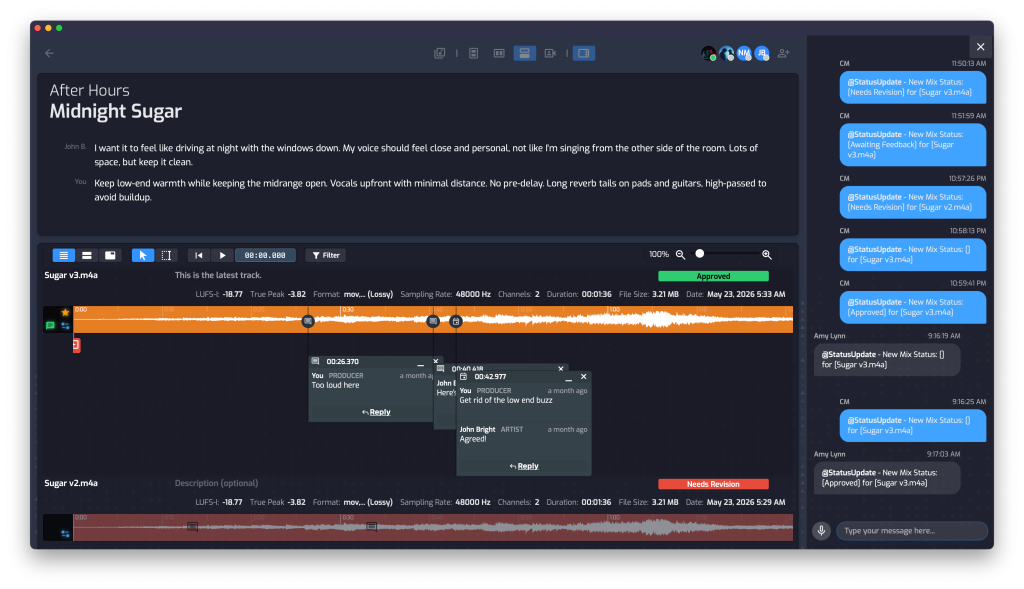
Your client can do level-matched a/b and annotate right on the mixes.
Pin comments to the exact moment
When a client hears a real difference, they comment right on that point in the waveform — not “the chorus needs work,” but a note tied to the three seconds they reacted to. You’re not guessing which line of an email maps to which part of the song.
Let them hum it instead of typing it out
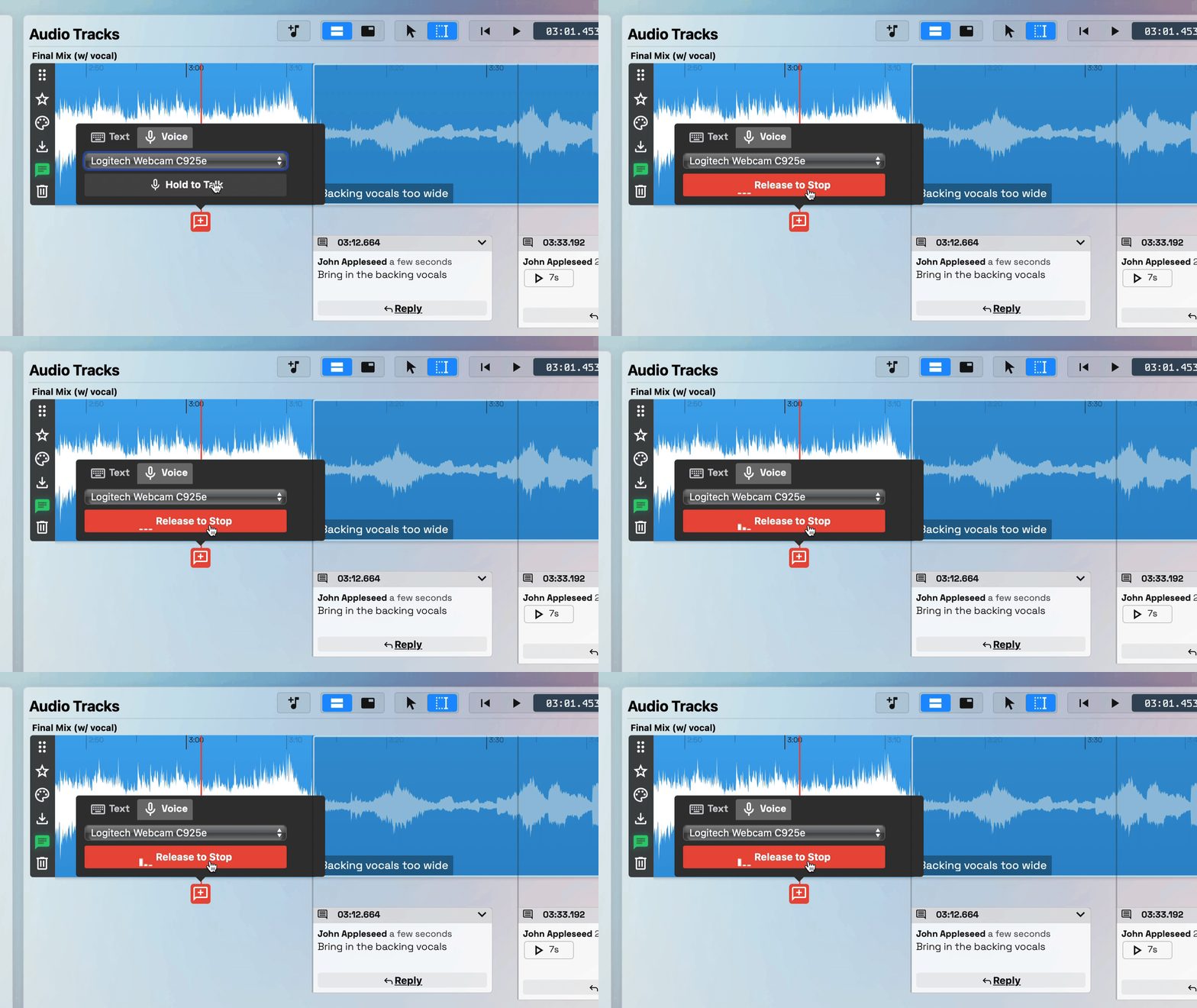
Not every idea comes out as words. A client can leave a voice memo instead, anchored to the same timestamp and transcribed automatically — scan the text, or play the memo when what you need is the melody, not a description of it.
Record voice messages on track when typing isn't going to cut it.
Keep the conversation in one thread
Comments aren’t dead ends. Replies thread in place, so a back-and-forth about one moment stays with that moment instead of scattering across five email replies. A reaction lets a client acknowledge a fix without writing anything.
None of this works over email, text, or WhatsApp — not because those tools are bad, but because they were never built around feedback living inside a specific second of audio. That’s the real difference: comparison, conversation, and audio, all in one place.
Next article in this series: what this changes about the client’s actual experience of working with you.