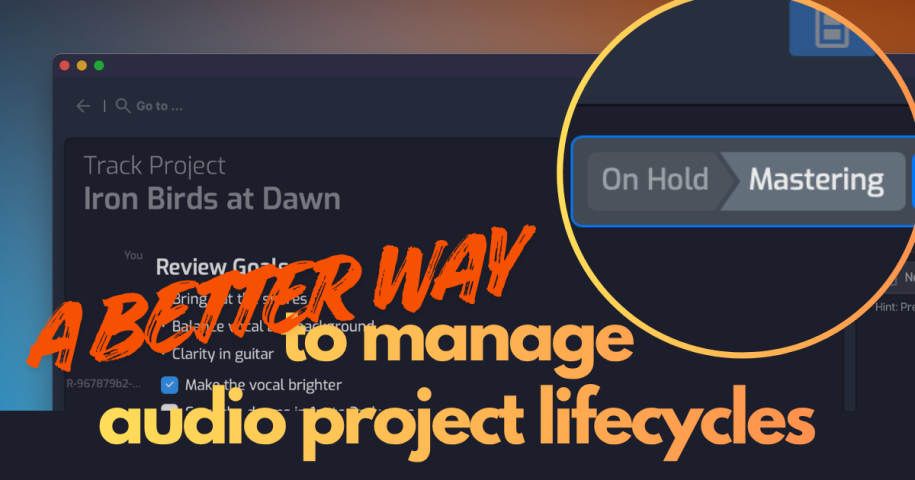
New to Opusonix: A Better Way to Manage the Audio Project Lifecycle
Audio projects have a lifecycle. A project might begin with brainstorming and references, move into editing and mixing, then progress through mastering, approvals, revisions, and delivery. At each stage, the work changes, and so do the people, files, conversations, and responsibilities involved.
Opusonix is now designed to support that lifecycle more directly.
One project, evolving through multiple phases
Project state is now visible directly in the track workspace, next to the track title. Instead of simply showing where a project is today, Opusonix shows its progression—for example:
Brainstorming → Mixing → Mastering
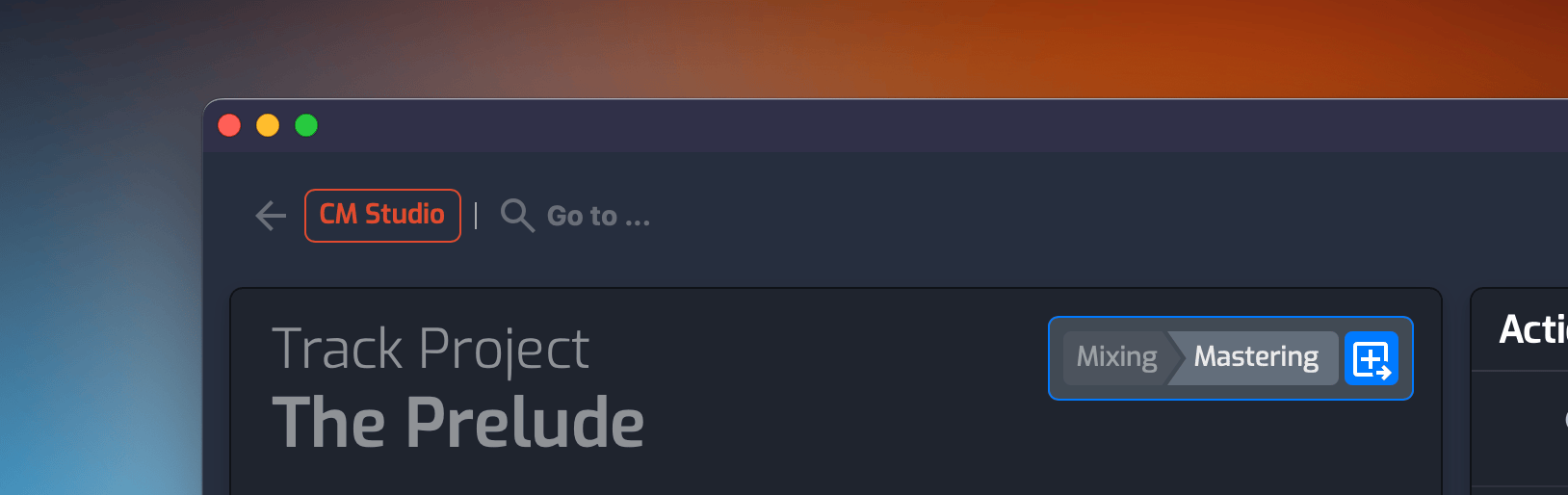
Clicking the progression reveals the project’s complete state history, making it easy to understand how the project got where it is.
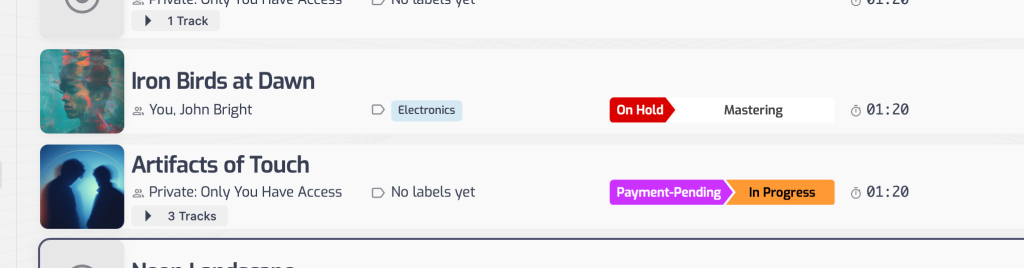
The same progression is now visible in project listings and the Kanban board, giving teams a clearer picture of where projects are in their lifecycle.
Moving from one phase to the next
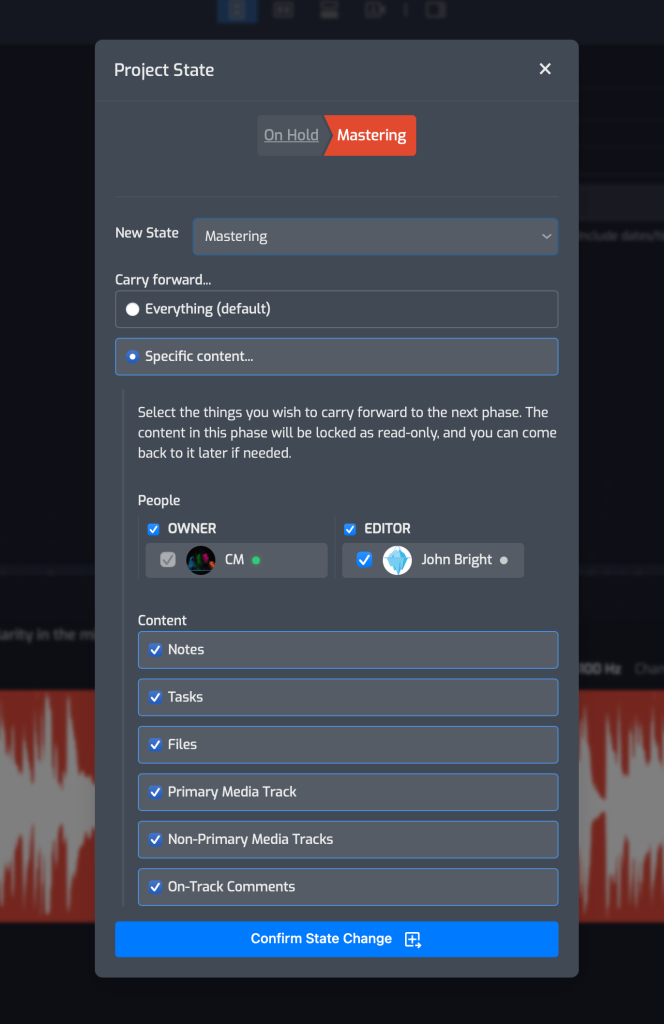
When the work is ready to move forward, the project author can choose “Transition to a new state?” The transition lets the owner decide what the next phase should inherit:
- Which collaborators should continue?
- Which files should carry forward?
- Should comments come along?
- Should the next phase include the primary mix, or additional material?
- Should some collaborators and content be left behind?
The project can move forward with everything intact, or the next phase can start with a carefully selected set of people and materials.
Opusonix handles the rest: collaborators are notified, access is updated, and the transition is recorded in the project chat and state history.
The same transition happens when a project is moved between states on the Kanban board.
Why it matters day to day
Nobody has to ask “where are we?” anymore. The state indicator sits right where you’re already working, next to the track title, so clients and collaborators can see project progress without a status-update message. That’s one less recurring interruption during a mix session.
Handoffs stop needing an extra email. When a mixing engineer wraps their part and the project moves to mastering, Opusonix writes the “you’re off this project, thanks” note and the “here’s what’s changed” note for whoever’s still on it. That’s real time back for engineers juggling several projects at once, and it means nobody’s access lingers past the point it should.
Access matches the actual work, not the project’s whole lifetime. Selective carry-forward means a mastering engineer coming in fresh doesn’t inherit three months of tracking-phase comments they don’t need, and a freelance mixer’s guest access doesn’t hang around after they’ve delivered. For studios and freelancers working across multiple clients, that’s a meaningful cut to the “who still has access to what” question.
The board does the work, not just displays it. Moving a card on the kanban board is now a real action — it carries the project forward and fires the notifications, not just a label you have to remember to update elsewhere.
Project state becomes something you can actually audit. With the last three phase changes visible from the project list, and a full history one click away, state changes double as a lightweight paper trail — useful for tracking billing milestones, contract handoffs, or just seeing where a stalled project actually stalled.
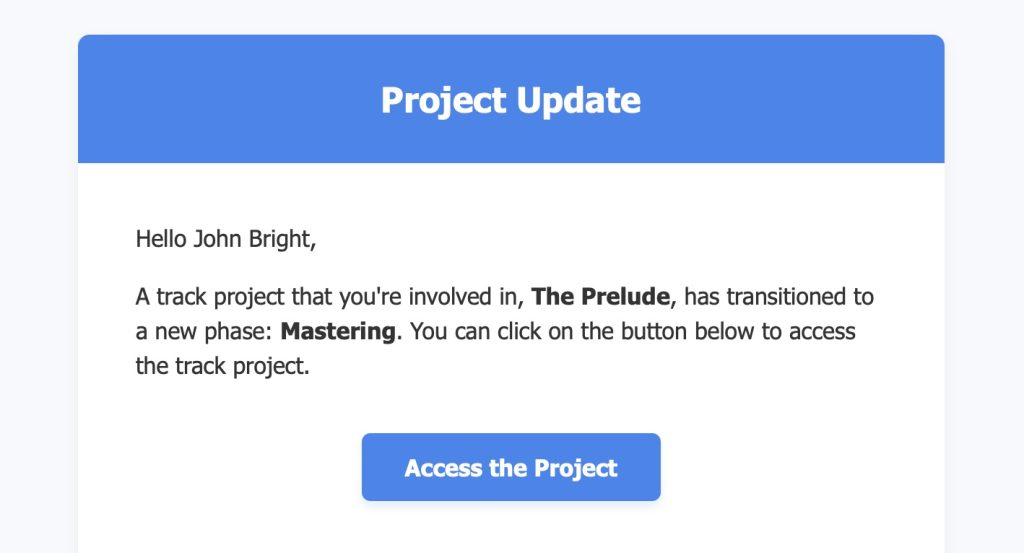
Choose who and what moves forward, and Opusonix carries out the transition.
The new lifecycle view is live now! Just open any project and the phase indicator will already be there, right next to the track title.