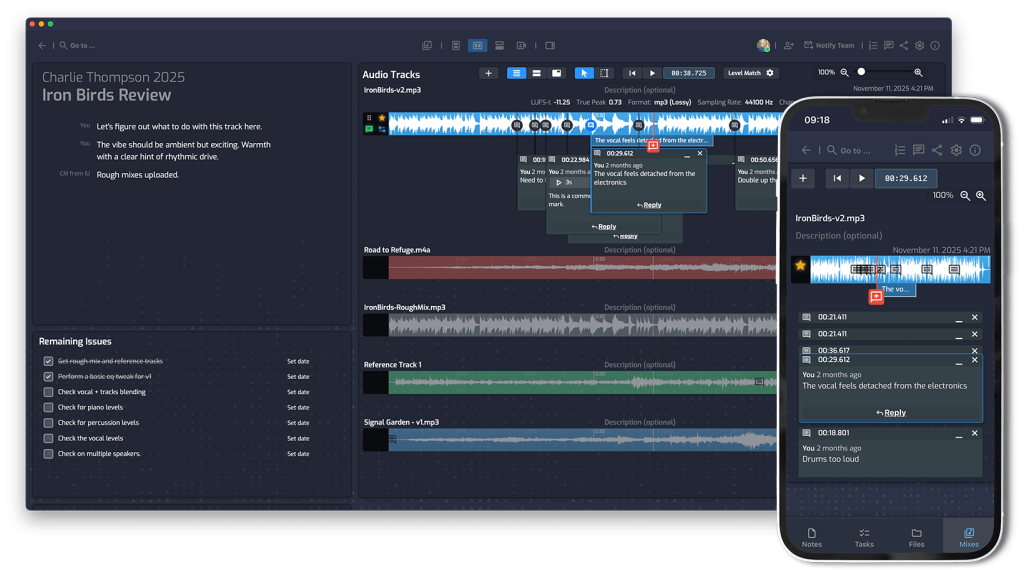
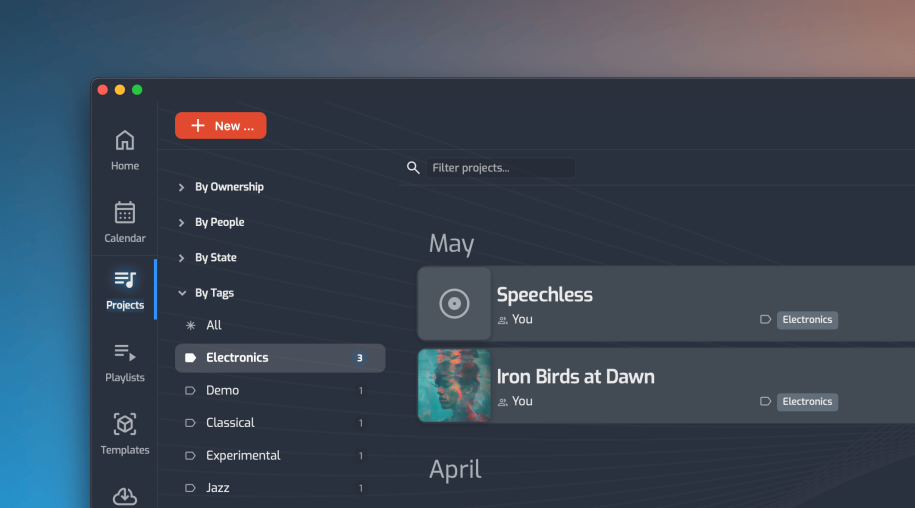
The Music Producer's Guide to Managing Projects From First Demo to Final Delivery
Table of Contents
You’re a producer. That means you’re also a project manager, a file archivist, a feedback coordinator, and the person everyone texts when they can’t find the latest mix. Nobody told you that was part of the job — but here you are.
Most producers patch together a system using whatever tools are nearby: a shared Google Drive, a Notion doc nobody updates, a WhatsApp thread that buries decisions under memes, and a WeTransfer link that expires before the engineer downloads it. It works, until it doesn’t.
This guide walks through every phase of a music production project — and what good management looks like at each stage.
Phase 1: Project Kickoff
The decisions made at the start of a project determine how chaotic everything else becomes.
Before any recording happens, get these things in place:
- Project scope. What are the deliverables? A single? An EP? How many tracks, and to what stage (demo, final mix, mastered)?
- Roles. Who is producing, writing, engineering, mixing? Ambiguous ownership creates dropped balls.
- Deadlines. Even rough target dates create accountability. A project with no deadline has no finish line.
- A single home for the project. Notes, files, and communication should all live in the same place from day one. If they don’t, they never will.
A dedicated project workspace — where track notes, files, and team members are set up together — takes 10 minutes up front and saves hours of cleanup later.
Phase 2: Active Production
This is where most coordination happens, and where most friction accumulates.
Files go everywhere. Stems from the artist, reference tracks from the producer, session files from the engineer — all sent over email, DMs, and file-share links with no consistent structure. The fix is simple: one designated place where files land, attached to the project they belong to. No folders to name, no links to track down.
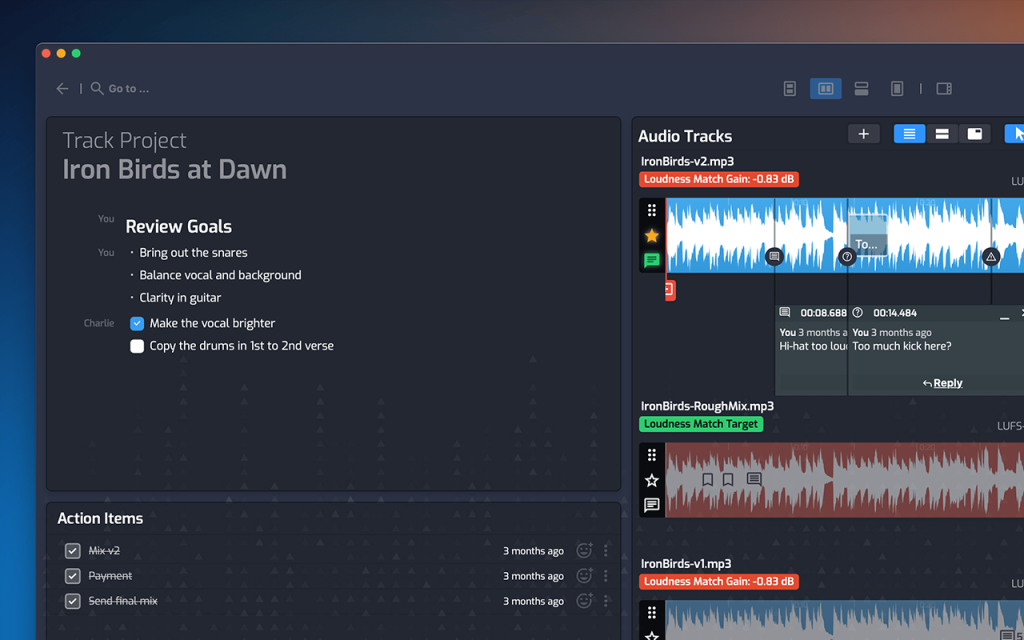
Feedback gets lost. “The chorus feels too busy” in a text thread is useless three days later. Good feedback is specific, timestamped, and tied to the actual audio. When everyone can leave comments directly on the track — with markers at precise moments — the feedback becomes actionable rather than forgettable.
Mix versions multiply. v1, v2, v2_FINAL, v2_FINAL_mastered. The version confusion is real, and playing the wrong mix in the wrong room is a rite of passage nobody enjoys. Stack all mix versions together in one place, clearly ordered, so the whole team always knows which version is current — without anyone having to ask.
Phase 3: Coordination Across the Team
As a project involves more people — a featured artist, a mix engineer, a vocal coach — the coordination burden grows fast.
A few things that keep it manageable:
Keep communication tied to the project. When a discussion about the bridge lives inside the track workspace instead of in someone’s DMs, it’s there when you need it. New collaborators can get up to speed without a summary email.
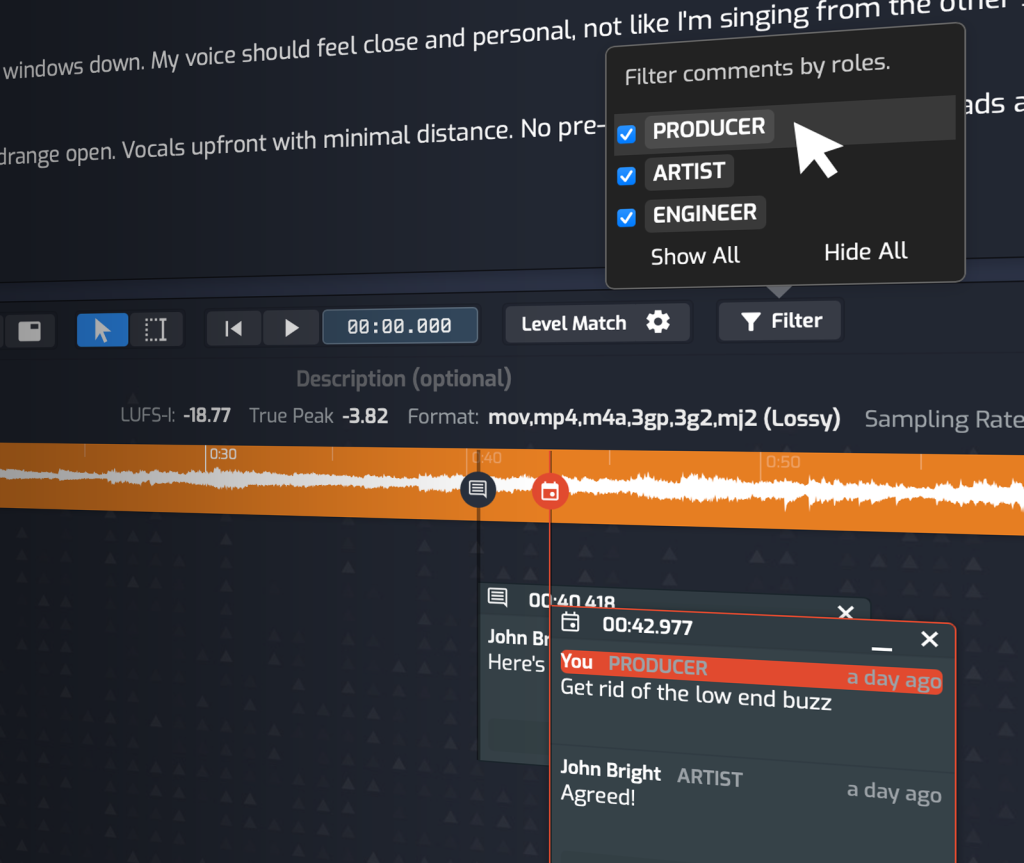
Filter feedback by role. On a busy project, the artist’s notes and the engineer’s notes are different conversations. Being able to see them separately keeps the feedback from becoming noise.
Automate the update loop. When a new mix is uploaded, people should find out automatically — not because you remembered to send a message. A notification with a brief memo from the producer is enough to keep everyone aligned without a status meeting.
Phase 4: Final Delivery
This phase gets messy more often than it should.
The producer needs to send the right files to the right people — final mixes, stems, masters — without zipping things manually, hunting for the latest versions, or worrying about a file-share link that expires.
A clean delivery means: one action that packages the right files, sends them to the right recipients, and confirms receipt. After that, the project is done. No cleanup needed.
The Bigger Picture
Every phase of a music project generates three things: files, decisions, and communication. Most producers manage these in three separate places, which means context is always getting lost somewhere.
The producers who run the smoothest projects aren’t necessarily the most organized people — they just have a system that keeps everything in one place without requiring constant maintenance.
Opusonix is built around exactly that idea — a single workspace per project, covering notes, files, mixes, feedback, and team coordination together. If you’re ready to simplify how you manage projects, take a look at what Opusonix can do.