
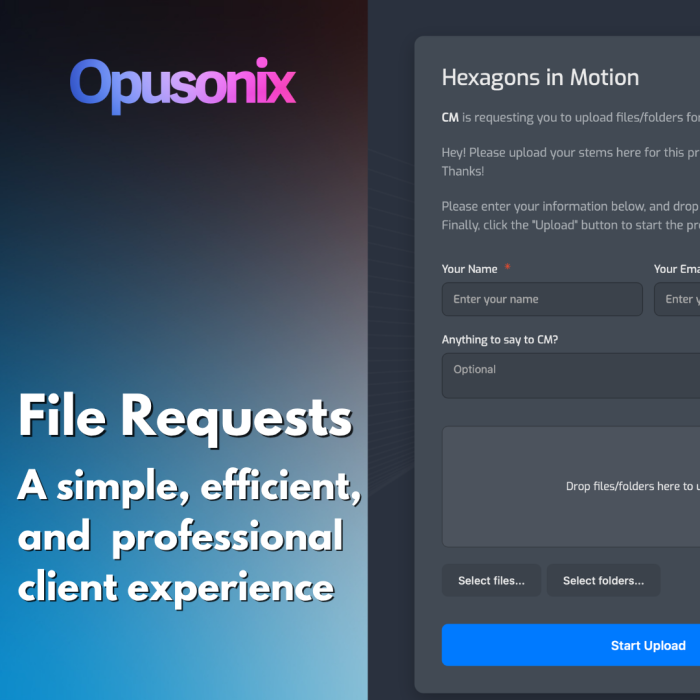
New to Opusonix: File Requests for a Frictionless Client Experience
We’re excited to introduce a highly requested feature that removes one of the biggest friction points in audio collaboration: collecting files from clients.
Introducing File Requests
With File Requests, you can now collect files from clients in seconds—without requiring them to create an account, learn a new tool, or navigate a complex workflow.
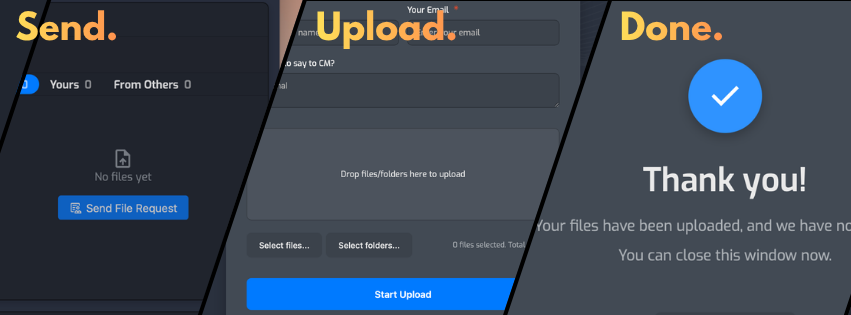
Here’s how it works:
- Inside any project, send a File Request by entering your client’s email
- Add an optional custom message (instructions, naming conventions, notes, etc.)
- Hit send
Your client receives a clean, professional email that includes:
- The project title
- Your custom message
- A prominent Upload Files button
From there, the experience is intentionally simple:
- No sign-up or login required
- Just enter name, email, and an optional message
- Drag and drop files
That’s it.
Once the upload is complete, you’re instantly notified—with the client’s name and email included. A single click takes you straight back into your workspace to review the files.
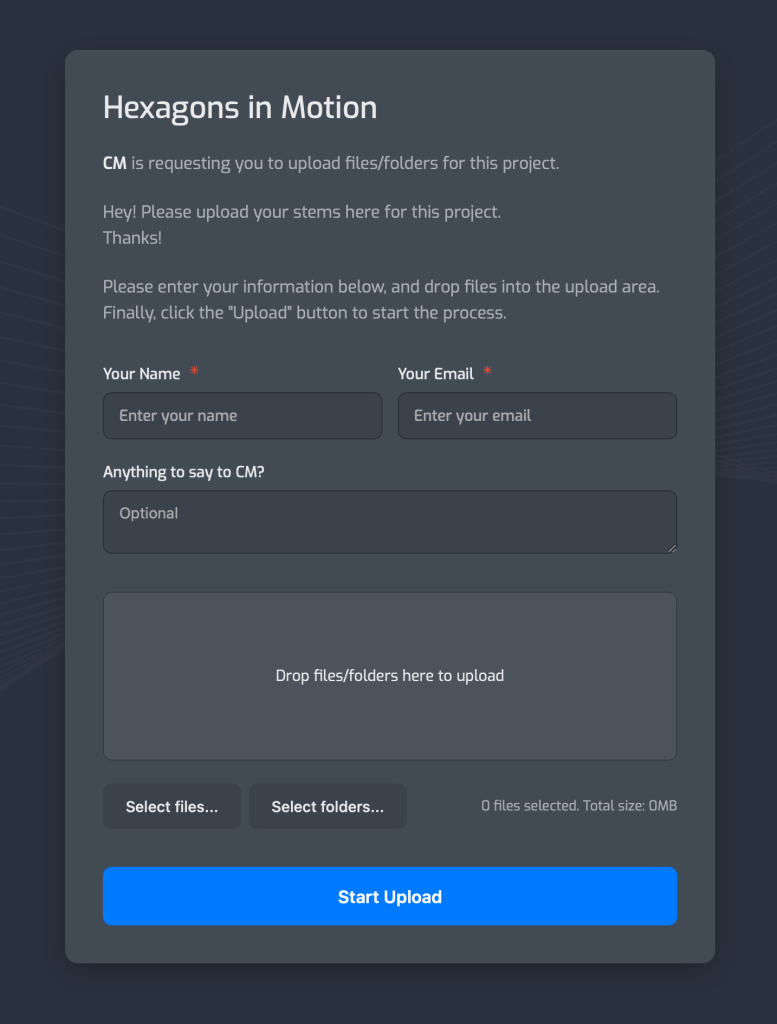
A Better Client Experience (Without Training)
File Requests don’t just improve your workflow—they dramatically improve your client’s experience.
Clients aren’t forced to:
- Create accounts
- Learn new software
- Navigate unfamiliar interfaces
The entire process feels as simple as replying to an email.
Even More Powerful with Project Planner Guest Access
When combined with Project Planner Guest Access, File Requests become part of a larger, seamless collaboration experience.
Both features share a core philosophy:
Let clients participate without friction.
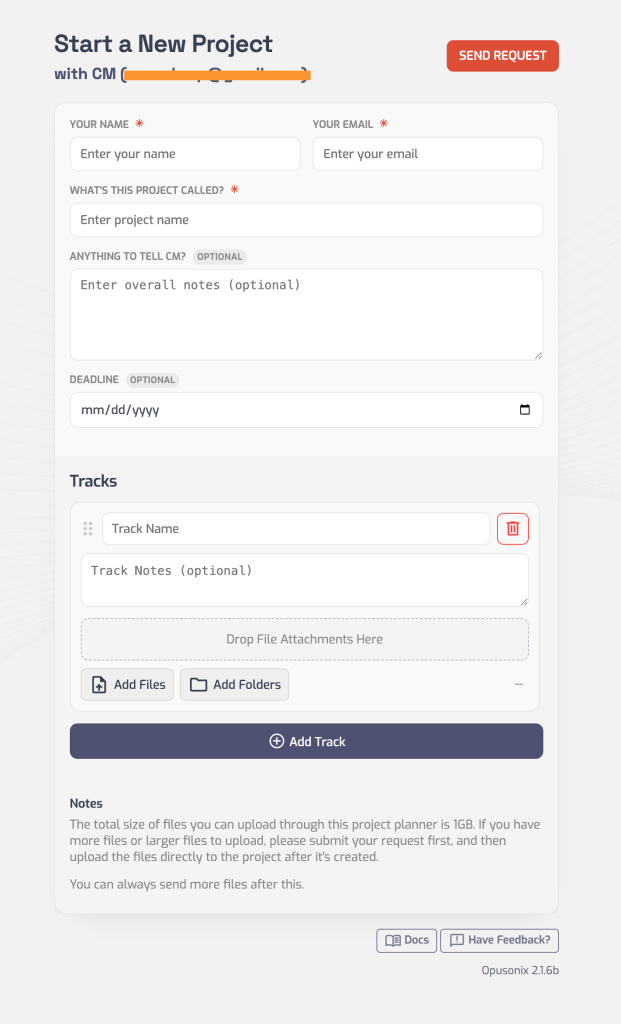
With Project Planner Guest Access, clients can:
- Provide structured input
- Share project details
- Contribute information in a familiar, form-like experience
With File Requests, they can:
- Submit files just as easily
- Follow your instructions without confusion
- Stay engaged without needing onboarding
Together, these tools create a unified experience where clients:
- Understand what to do immediately
- Complete tasks quickly
- Feel confident and guided throughout the process
Faster Projects, Fewer Bottlenecks
By removing friction on the client side, you unlock real operational benefits:
- Faster turnaround times
- Fewer clarification emails
- More consistent file organization
- A more professional impression from the very first interaction
Other Minor but Cool Improvements
Opusonix also received the following minor improvements:
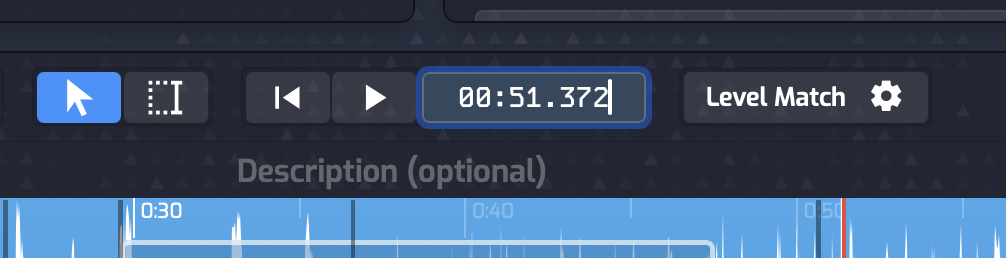
- The timecode display is now a text input! Click on it and type in any time code to jump to it. Alternatively – use keyboard shortcut Ctrl + G to instantly focus on it.
- The auto-scrolling of audio track has been improved; clicking around on your tracks will now smoothly adjust the scrolling positions as expected.
- Selections now look nice even when the tracks are minimized.
- Fixed an issue where Windows users couldn’t use Ctrl+C/V to perform the copy/paste actions in some cases.
Built for Simplicity, Designed for Professionals
Opusonix continues to focus on one goal:
making collaboration between engineers, producers, and clients as smooth as possible.
File Requests and Project Planner Guest Access are a major step in that direction—turning what used to be messy, manual processes into streamlined, intuitive experiences.
Give File Requests a try in your next project and see how much faster things move when clients don’t need instructions—they just need a button.