
How to Avoid Mix Fatigue: Staying Decisive Through Long Mix Projects
Table of Contents
A mix usually takes weeks to finish. Have you ever run into the situation where somewhere along the way, decisions stop feeling clear? Changes pile up, but you can’t tell if anything is actually improving. With a deadline coming, you keep going — but you aren’t sure when to call it “done”.
This is mix fatigue. Not just tired ears; you are also searching for direction.
When Progress Gets Fuzzy
Long-runnig projects are a challenge to your attention span. After you step away and come back, you need to refresh your memory on:
- what changed
- why it changed
- whether it helped
So you re-evaluate everything. The mix turns into small back-and-forth edits. Some help, many don’t. This is when progress becomes unclear.
The Real Problem: Lost Context
Your DAW session shows what the mix is, but not why it became that way.
Without that context, every return session risks becoming guesswork. Since you are making new decisions every time, you end up creating the mix loop.
What You Actually Need
To stay oriented over the span of long mix projects, you just need three things:
1. Clear checkpoints
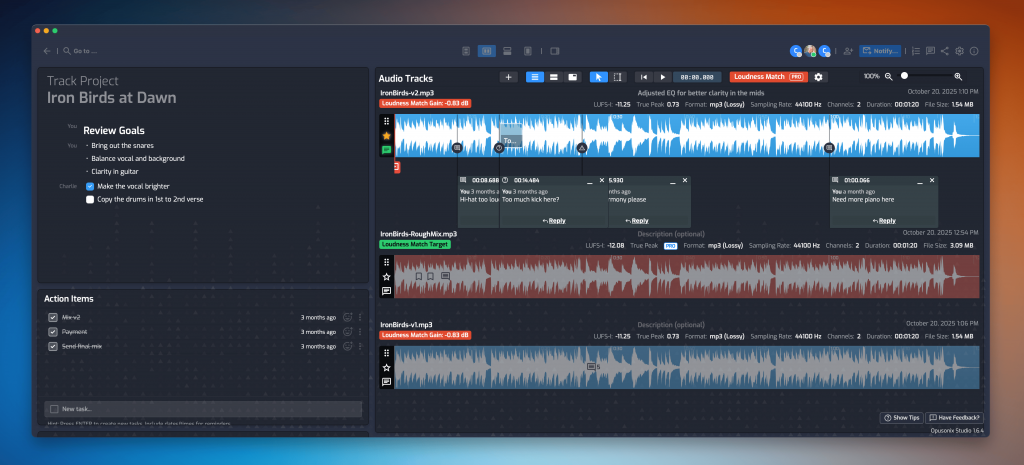
Save intentional mix states—not just incremental saves. Each version should represent a decision point (“vocal forward,” “tighter low end”), not just a timestamp. By checkpoints, don’t just “save the project in DAW”. Instead, bounce out a mix and store it somewhere you can easily access (e.g. export a mix revision and put it into Opusonix). This allows you to have a “portable” version of the mix and you can listen to it in different settings. This is important, as some times that “ear break” you need is to step away from your studio and listen to the mix on a different system.

2. Clear decisions + Change logs for revisions
First, at the start of the project, work with the client (if any) to clearly define the artistic objectives. What do you want to achieve? Import a reference track. This ensures that your goals do not morph over time. Then, for each mix version, write 1–2 lines:
- what changed
- why you changed it
- what you expect to hear
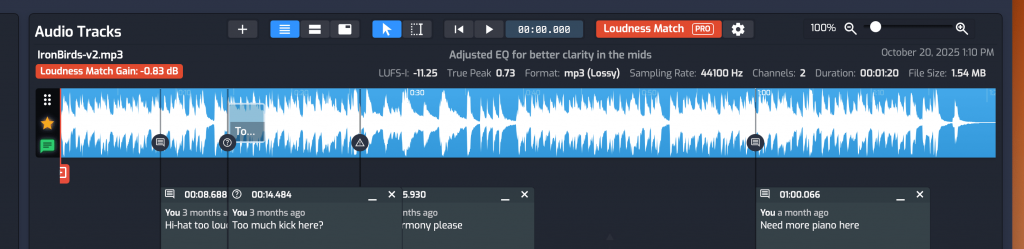
Keep it short and tied directly to that version. If using a tool like Opusonix, a better approach is to annotate the key moments with on-track timestamped comments so you (and potentially your collaborators) can pick them up quickly.
3. Fast A/B comparison
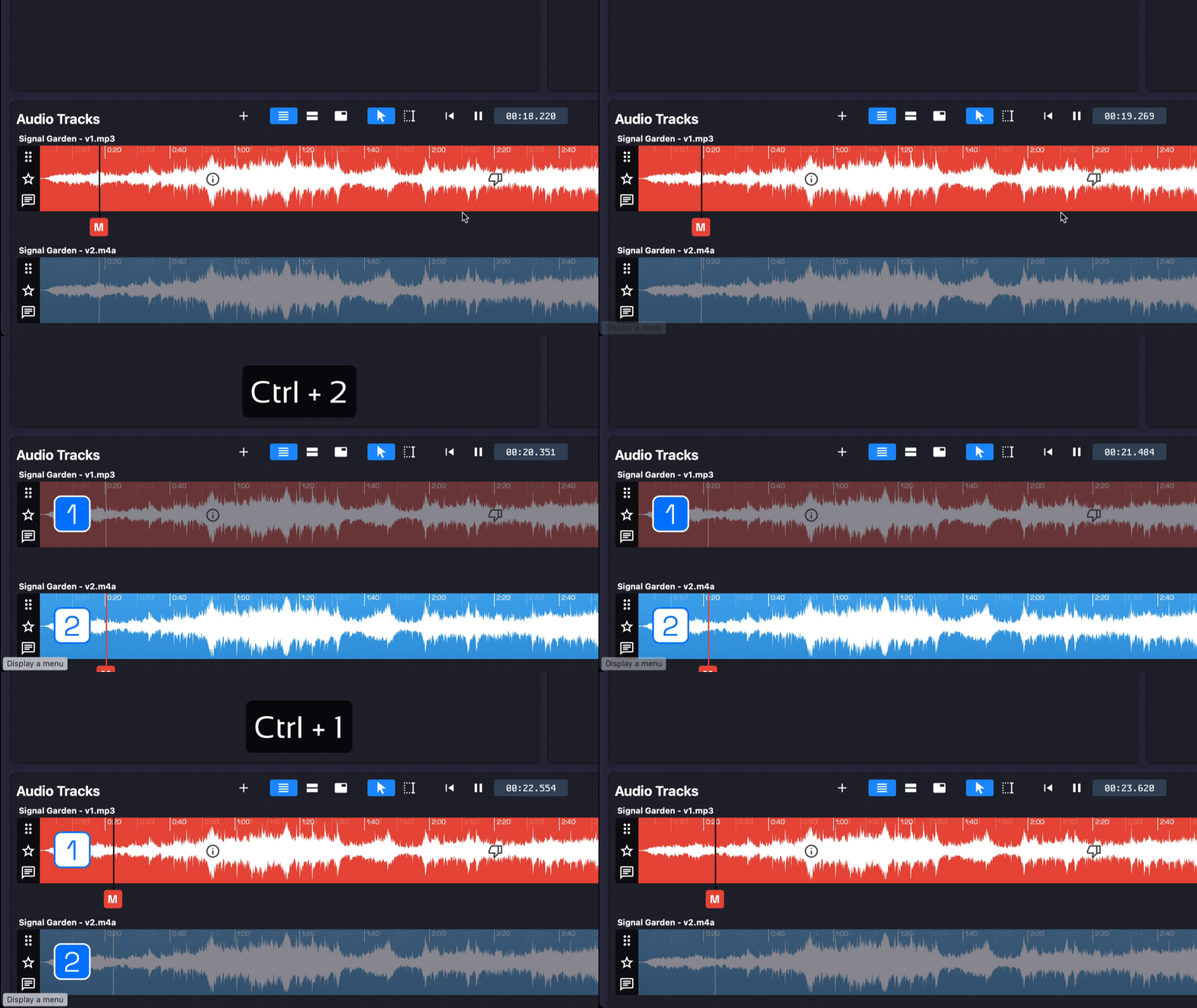
You need to compare versions instantly, level-matched, without setup. If it’s not immediate, you won’t do it—and decisions won’t be validated. If you followed step 1 above and have the mix revision in Opusonix, you can do the a/b testing across revisions super easily.
A Simple Working Approach
Here’s a repeatable loop that could reduce the likelihood of getting into mix fatigue:
- Make a focused change (one intent at a time)
- Export a new mix version (name it by intent)
- Write a quick note (what/why)
- A/B against the previous version
- Keep or revert based on the result
If the improvement isn’t obvious in A/B, don’t keep the change.
This prevents stacking uncertain edits and keeps the mix moving in one direction.
Externalizing the Process
This is one super tip – externalize your memory. When versions, notes, and comparisons live in one place, you stop relying on memory.
So the next time you take a “mix break”, when you return to your mix, you can instantly:
- see the last confirmed direction
- understand why it was chosen
- resume from the latest validated state
You’re continuing a line of decisions, not restarting one. This allows you to afford taking breaks (and taking them as often as you need).
Finish the Mix
Mix fatigue comes from unverified changes and lost context.
With clear checkpoints, revision change logs, and fast A/B, you externalize your memory and reduce the demand on your mental capacity. This protects your direction and momentum across breaks. You make fewer unnecessary moves, avoid circular edits, and know when something is actually done.
It won’t solve everything, but it makes it easier to stay on track and finish.